Locate vehicles and assets
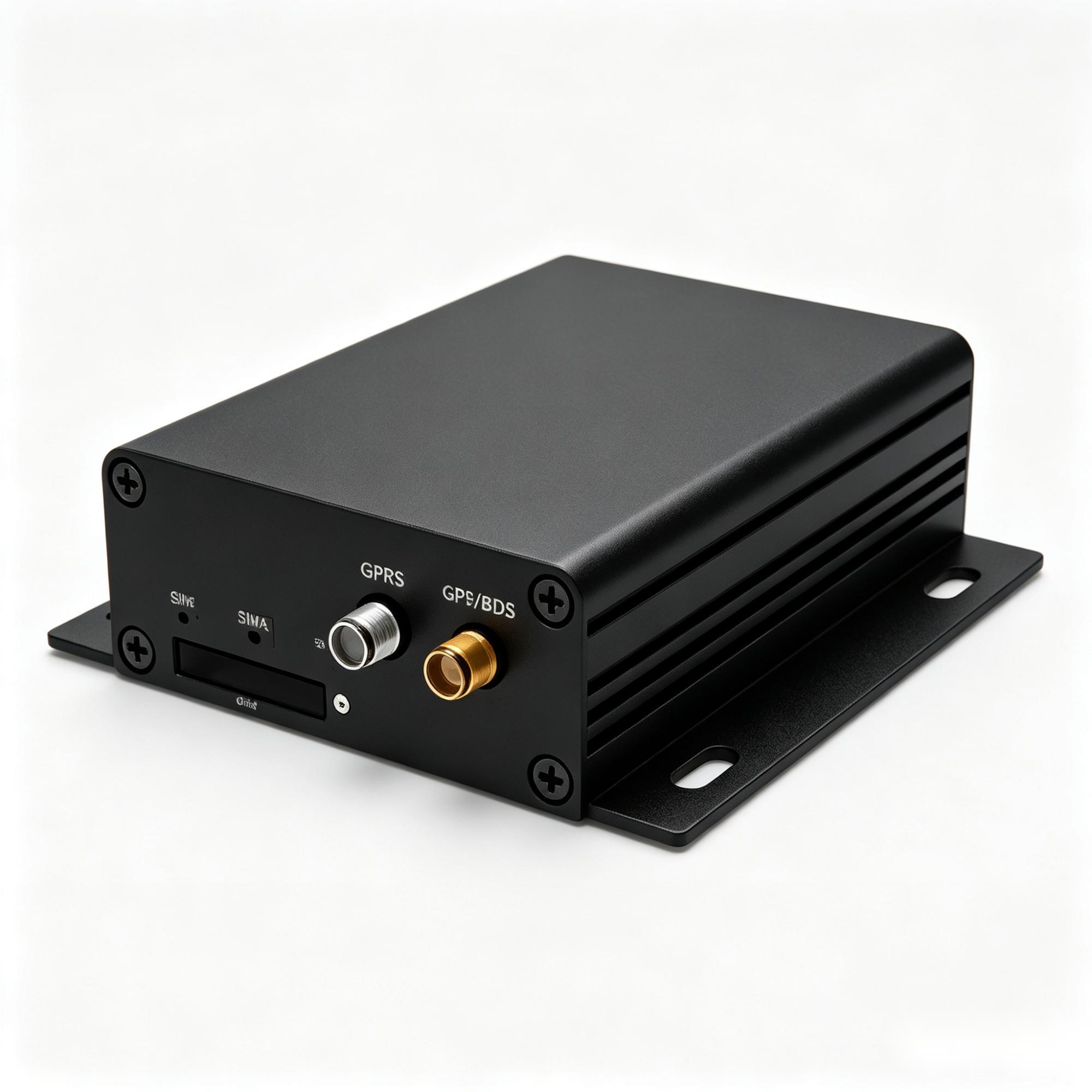
Location, movement and power events can start with a wired or battery GPS terminal, antenna and connectivity. Choose reporting intervals around the asset and the record your dispatcher needs.
Asset location projects →For fleet operators, equipment teams and integration partners: we match hardware, coordinate multiple suppliers and support project validation — from GPS and machine data to video and sensors, with your existing system in view.
No mandatory LEXUNYU platform subscription.
Connectivity and third-party service fees may apply.
Keep my existing platform or start from the operational outcome. We will ask for the receiver, installation and decision the path must support.
Find vehicles and assets, plan machine service, review a trip event or understand a cold-chain exception. The useful output comes first; the terminal, gateway, camera and sensors follow the project.

We help scope the components across suppliers. Start with the record your team needs, then match the hardware and receiving path. These are project paths, not pre-integrated packages.
Location, movement and power events can start with a wired or battery GPS terminal, antenna and connectivity. Choose reporting intervals around the asset and the record your dispatcher needs.
Asset location projects →Hours, operating state and available controller fields may need a vehicle or industrial gateway, CAN/J1939 or serial interface and the right harness. We coordinate field and access checks with the supplier and your system team.
Equipment data projects →A useful clip needs an agreed trigger, timestamp and retrieval path. Camera, recorder, power, storage and data plan are considered together with your receiving platform and access permissions.
Event video projects →Temperature, door and fuel readings may involve probes, contacts or other sensors, a reader and a terminal. Placement, calibration and the way a reading becomes a report matter as much as the device.
Cold-chain records →Driver or asset identification can involve readers and tags; authorised control may involve a relay. Harnesses, mounting and power protection are part of the installation discussion, with responsibilities agreed before a sample.
Explore component roles →Network access, antennas and gateways support the receiving path. We distinguish a device protocol from platform API/file exchange and historical migration, rather than treating them as the same connection.
Existing-platform paths →You bring the operation and receiving system. We coordinate hardware options, supplier information and a practical validation plan with the people responsible for installation and integration.
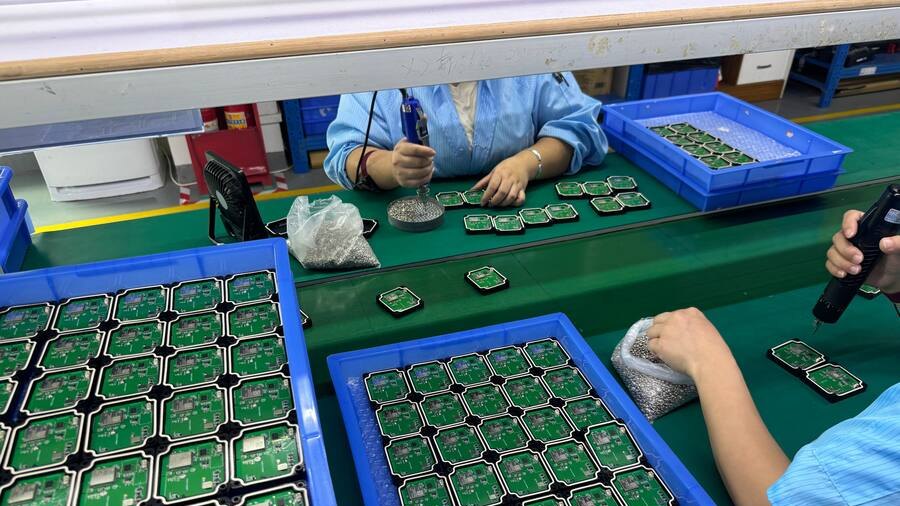
Agree the record, alert or export your team needs and the action it supports.
Compare supplier paths against data fields, interfaces, installation and target market.
Confirm the receiver, permissions, integration owner and separate third-party costs.
Compare source and received records against acceptance criteria agreed with your team.
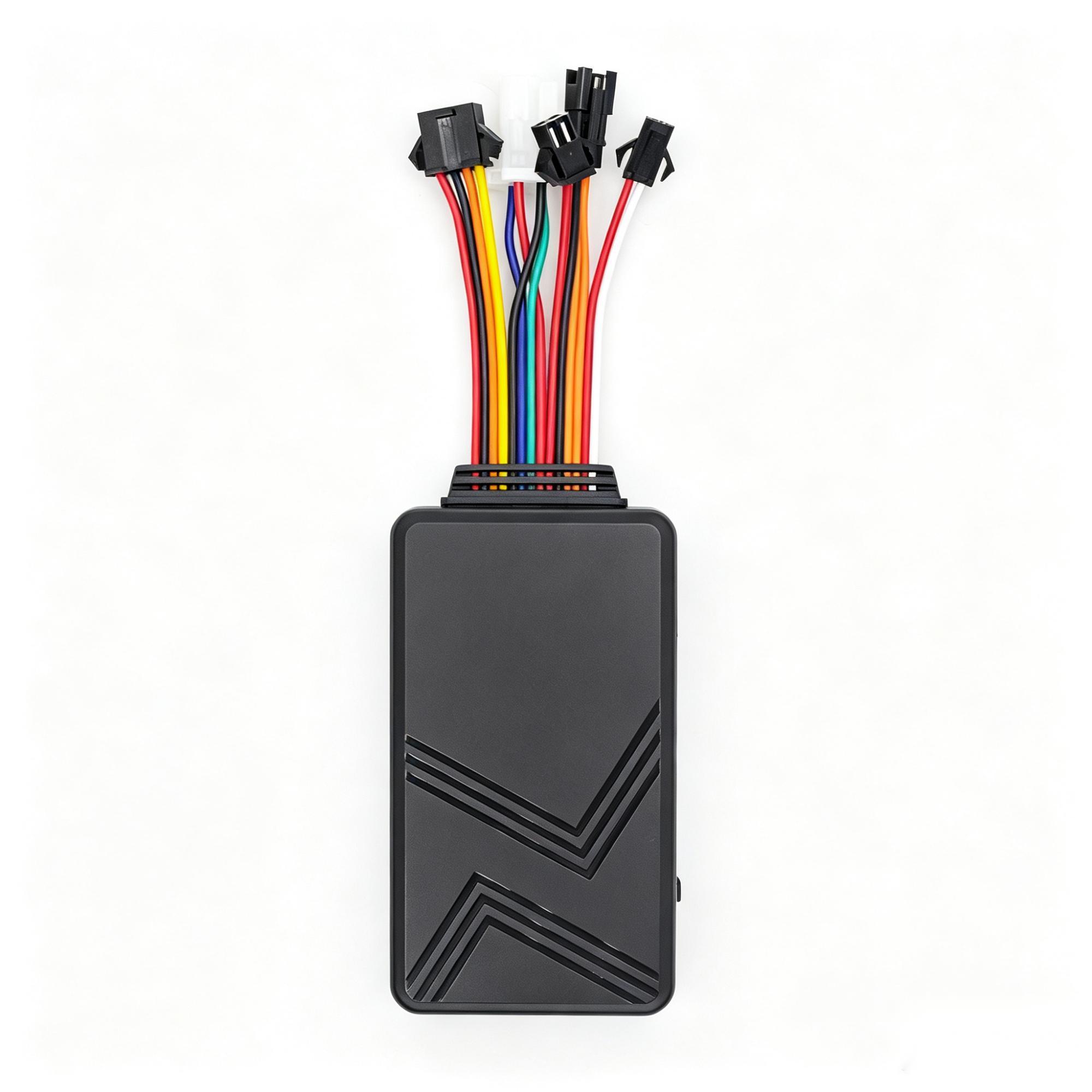
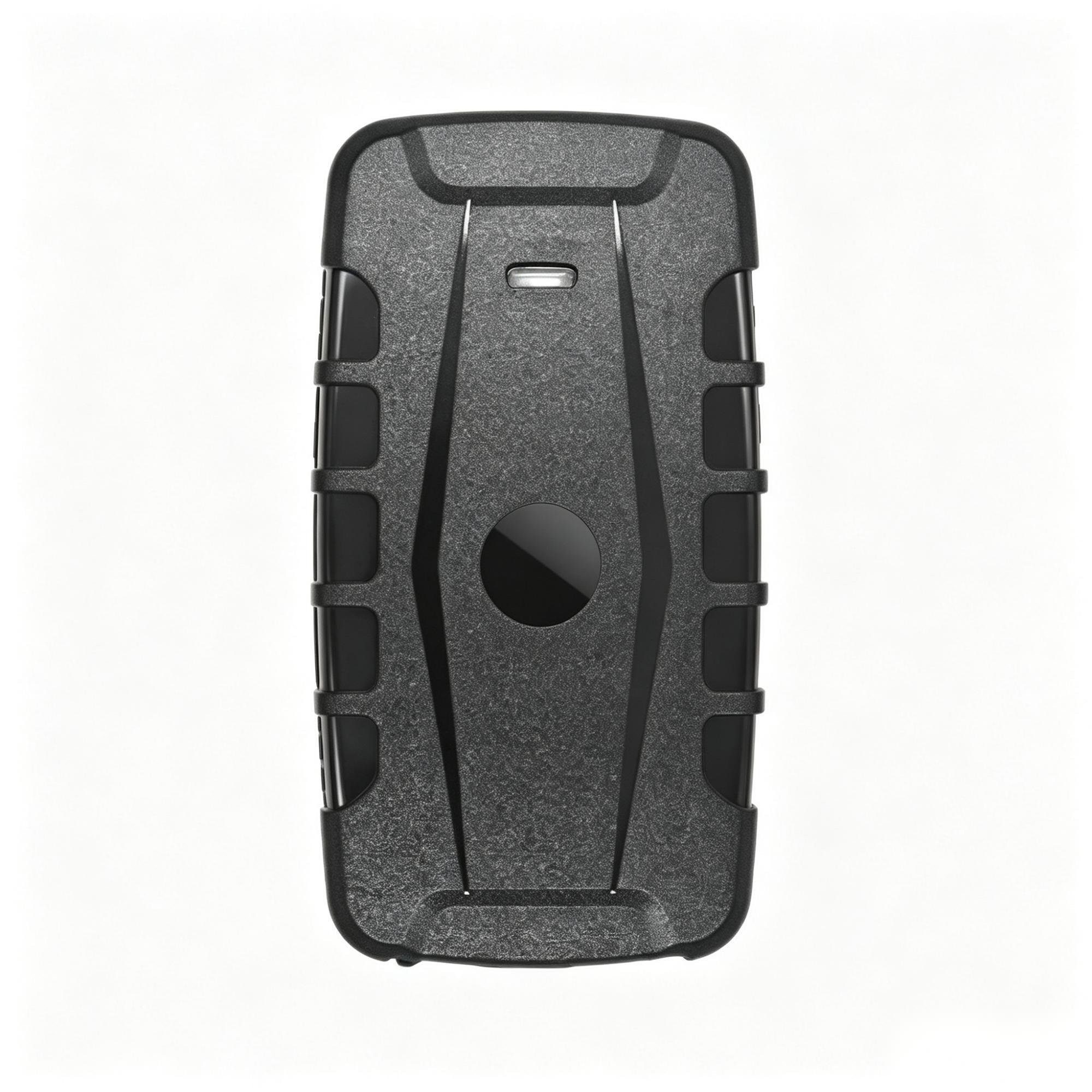
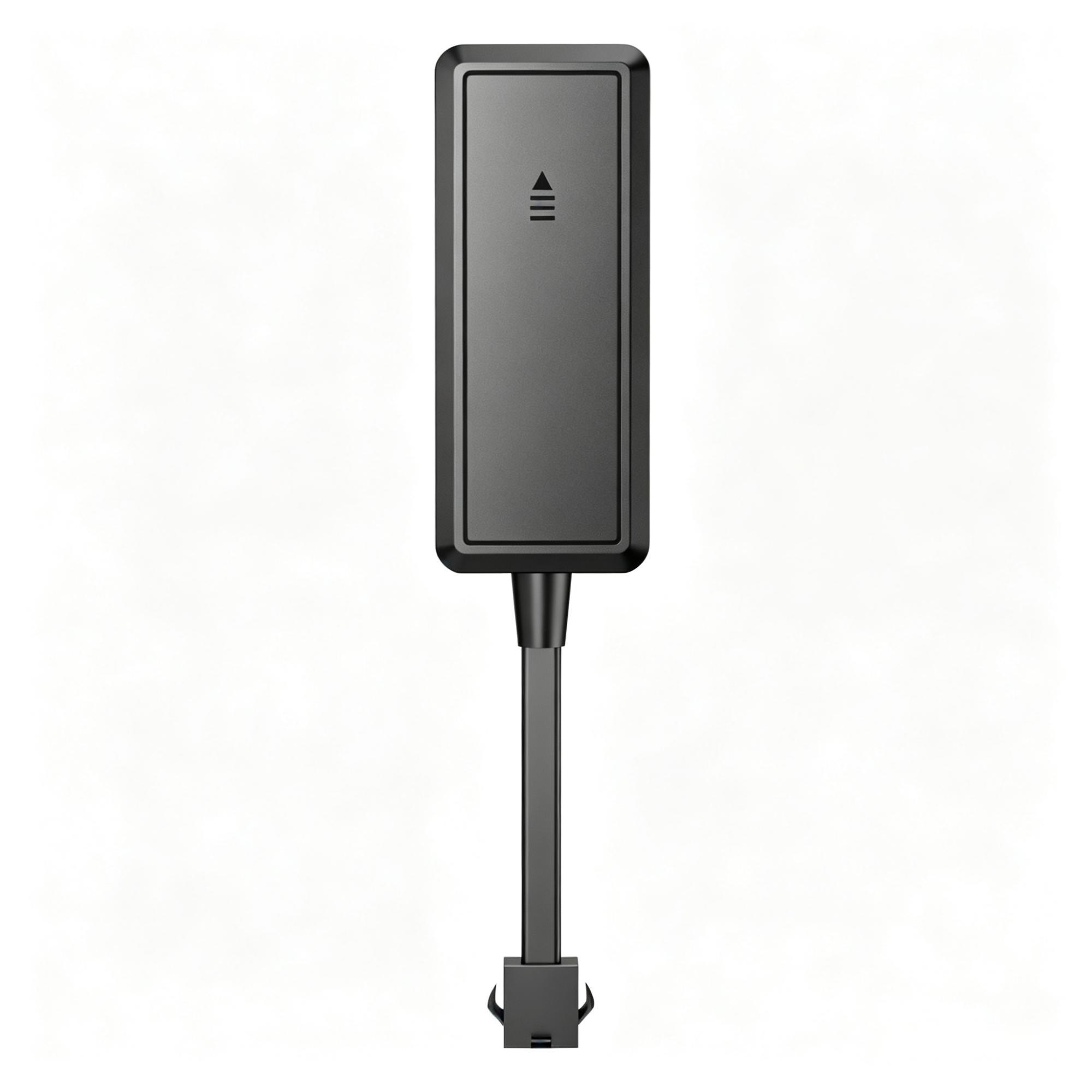
Our nine published GPS and telematics models remain available to review. Wider hardware combinations are scoped across suppliers around your data, installation and receiving system — not limited to this selection.
For powered machines that need location, operating state and validated machine or sensor data.
Start with routine tracking, then add supported driver, temperature, fuel, camera or SOS workflows.
For trailers, containers and temporary equipment that need periodic location without fixed power.
Essential location, ignition status and security events where mounting space and budget are tight.
Customisation typically starts from 100 units. Sample dispatch time is confirmed when we quote. Volume lead time is confirmed per order.
There is no mandatory LEXUNYU platform subscription. Connectivity, a customer or third-party platform, API or storage work, and project or installation services may cost separately and should be agreed for the route you choose.

Hardware can be assessed for an existing or third-party receiving route. Connectivity, platform, API, storage and installation responsibilities remain separate project decisions.
Hardware, connectivity, customer or third-party platform fees, API or storage work and installation are discussed as separate lines. Samples and small pilots come before any wider commitment.
Where the selected firmware and receiver support it, the device may point at your server. Protocol documentation is requested from the selected model or manufacturer where available; fields, permissions and a sample still need checking.
Where available, manufacturer-issued compliance documents are checked for the exact model, variant and target market before quotation or order. How document coverage is checked →
A suitable device can still become the wrong project choice when operating conditions, installation requirements, the data path or delivery details remain unclear.
“We need GPS tracking” does not define the information, events and operational decisions the project actually needs.
Power, space, wiring, weather exposure and operator behaviour can change which hardware configuration is suitable.
A device may report data and still fail to match the protocol, format or workflow expected by the existing platform.
Firmware, accessories, cabling, market version and documentation must remain aligned as the project moves towards a larger deployment.
An example four-stage cold-chain validation workflow. Each stage ends with a written result you can hand to the factory, the platform team and the installer.
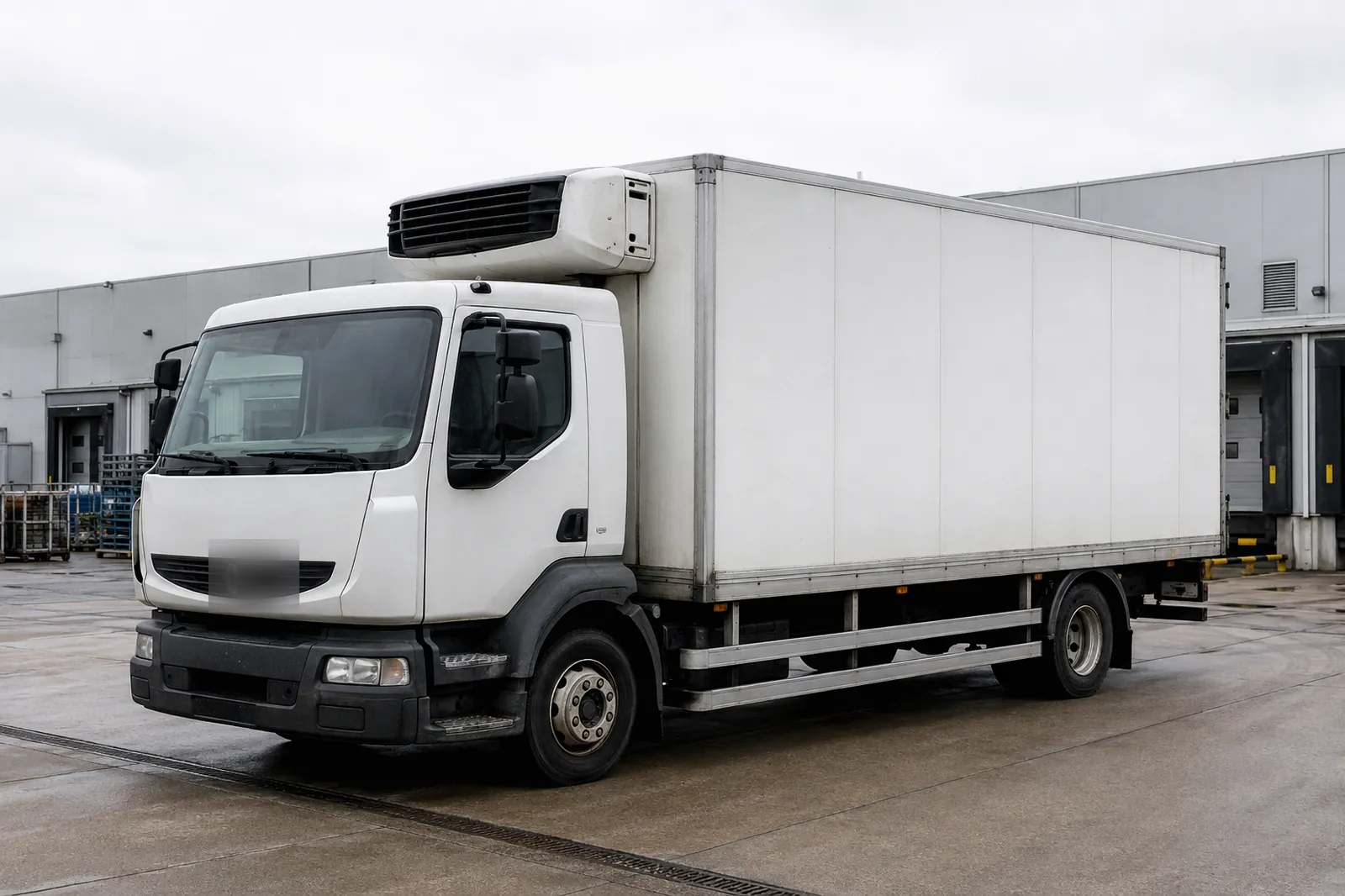
01Define
Fix the fields, reporting intervals, event rules and platform format before a model is selected.
→ You get: a first draft based on the available inputs, with timing agreed for your project.

02Match
Work backwards from the real installation and target market, then compare the options that survive.
→ You get: a candidate comparison after the installation and market conditions are documented.

03Adapt
Agree the message fields, units, time zone, harness and platform work before ordering the sample.
→ You get: an initial mapping note after the required protocol and platform information is available.
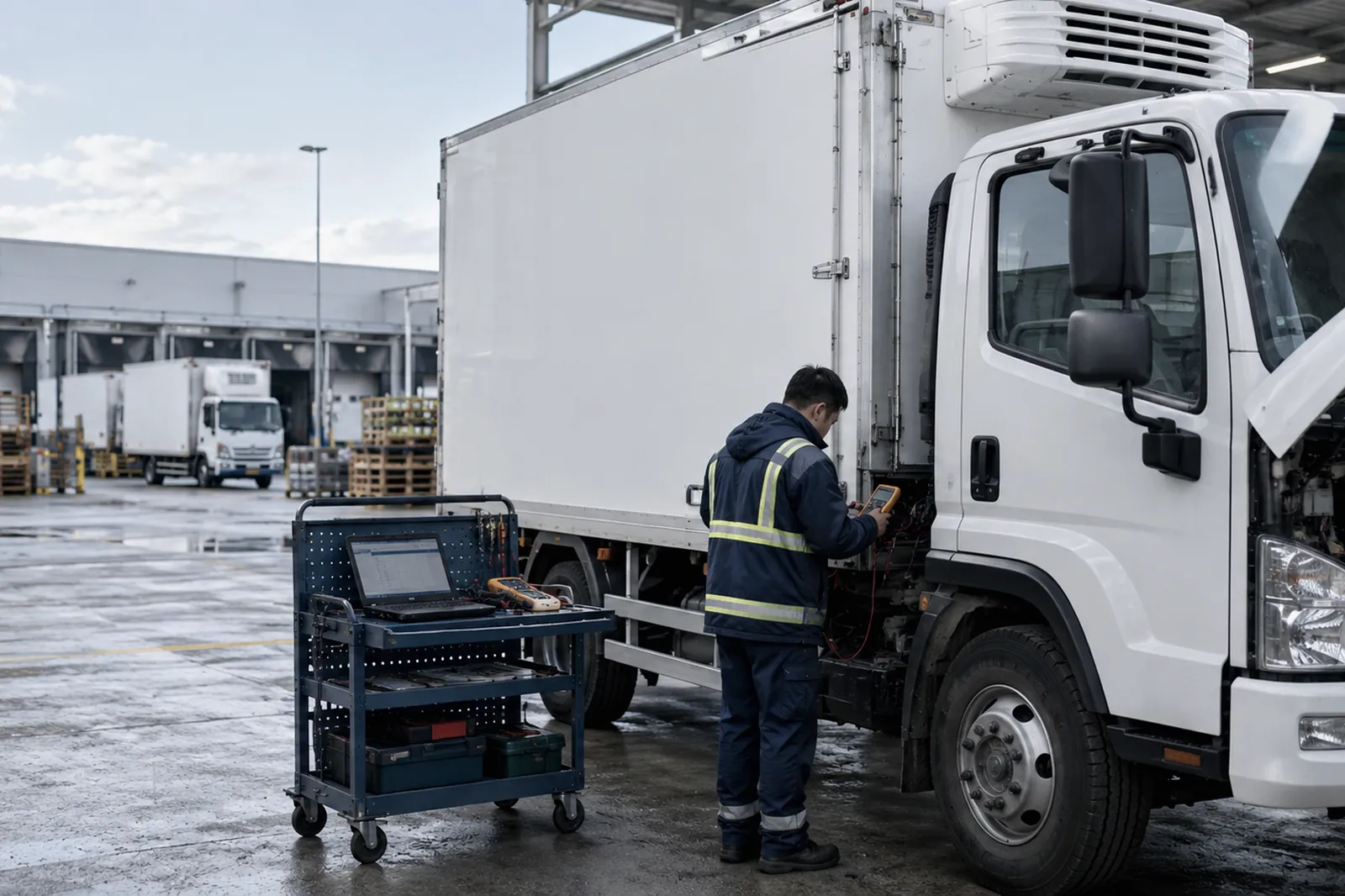
04Verify
Compare what the platform received with the agreed fields, then lock the validated firmware and configuration.
→ You get: an acceptance record after the sample evidence is complete.
Available outputs depend on the selected hardware, connected sensors, vehicle or machine signals, network conditions and your platform.
Output: time, location and trip or event record. Core: tracking terminal, connectivity and receiver. Optional: ID, temperature or fuel input. Pilot: compare source timestamps and gaps with what dispatch receives.
Investigate supported events such as after-hours movement, route deviation or unexpected relocation.
Output: machine or controller hours. Core: accessible source plus terminal or gateway. Optional: ignition-derived or manual comparison. Pilot: agree what counts as working before comparing records; never assume productive hours.
Output: timestamped temperature, door and exception records. Core: compatible probe, terminal and receiver. Optional: local storage. Pilot: agree probe position, clock, gaps and received fields.
Operator: defines the useful decision. Platform/integrator: confirms receiver and mapping. Installer: confirms power and mounting. Procurement/distributor: confirms documents, commercial route and order handoff.
Inspect actual messages and fields during the pilot. The receiver, API or export path is selected with the platform team; documentation is available only where the selected model or manufacturer permits it.
All three run in your browser. The answers are processed in your browser, and the tools themselves do not submit answers. Standard site performance measurement may still run under the Privacy notice, and the tools work with a supplier you found somewhere else.
Eight questions about power, wiring and how often you need to know. You get a hardware direction, existing candidate models, the requirements that contradict each other, and the checks still needed before final selection.
Run the check → 02 Field & Reporting Interval SheetThe blank document a project should open with: fields in scope, reporting interval, format, event rules, sample pass mark, three signatures. Fill it in the browser and print or save it as a PDF.
Open the blank sheet → 03 GPS tracker data usage calculatorEstimate data usage, compare update intervals and plan a 72-hour pilot for fleet and IoT projects.
Estimate SIM data →START WITH THE ACTUAL OPERATION
A short description is enough. We will reply with the questions still open and an initial hardware direction.